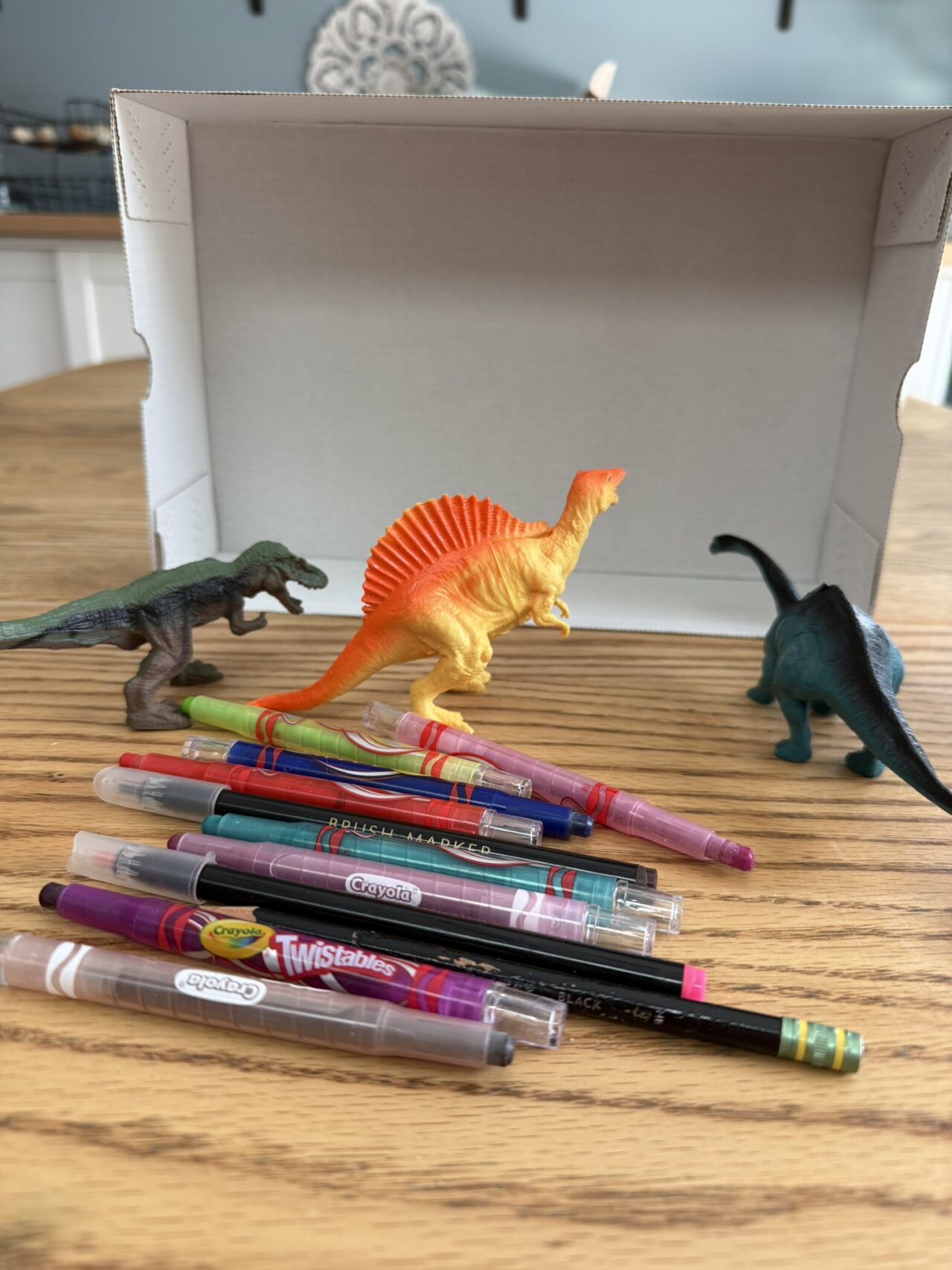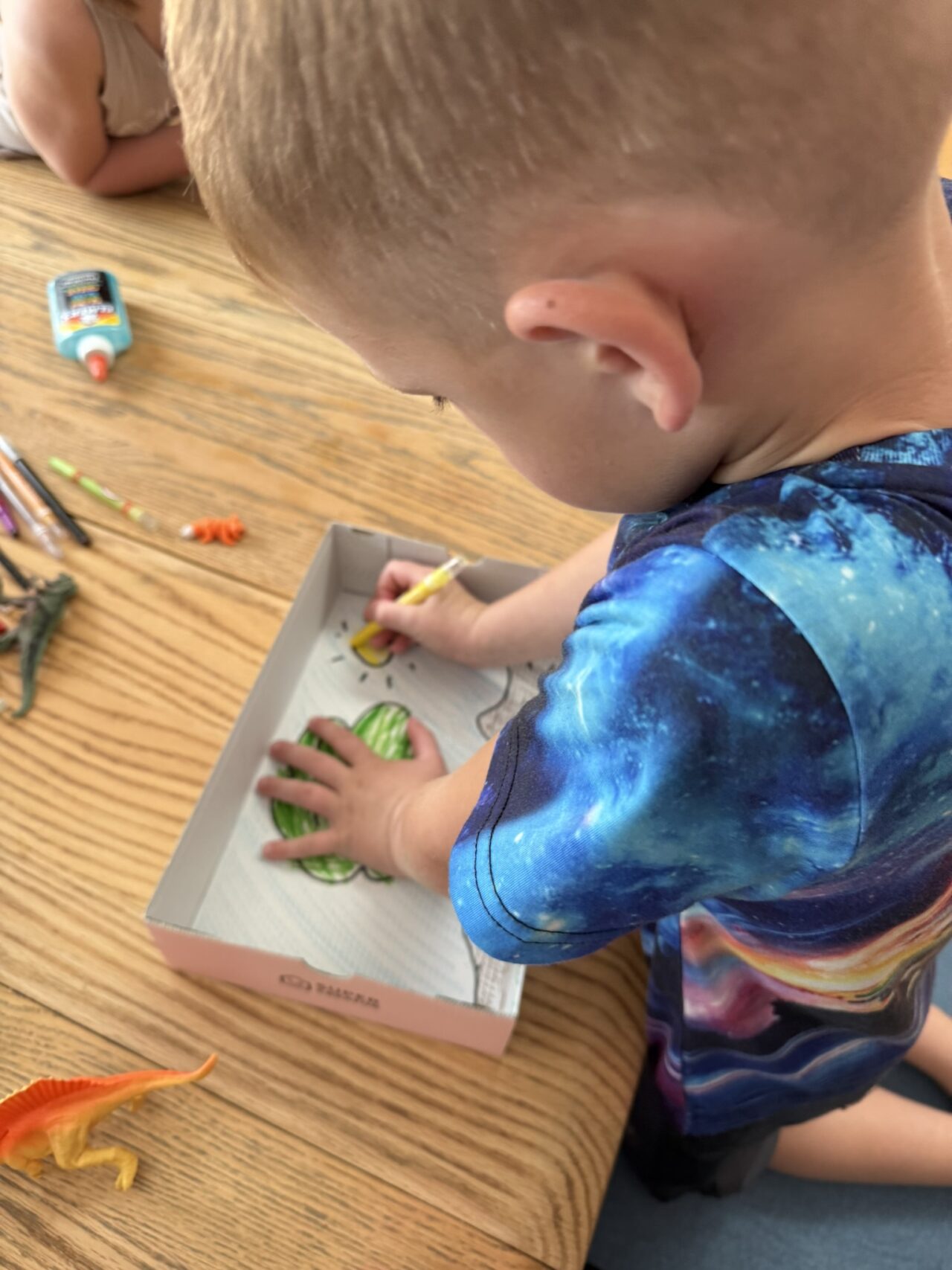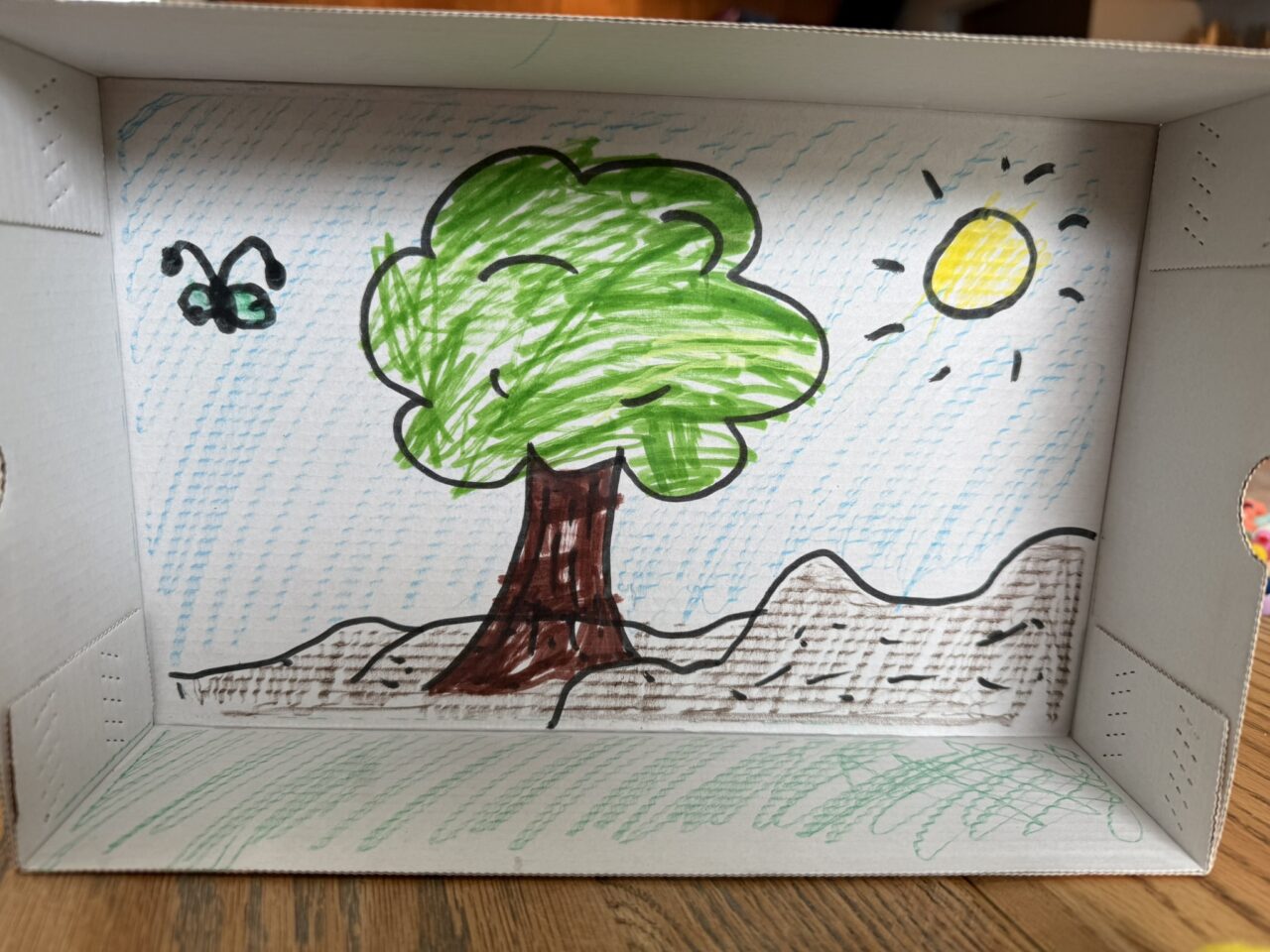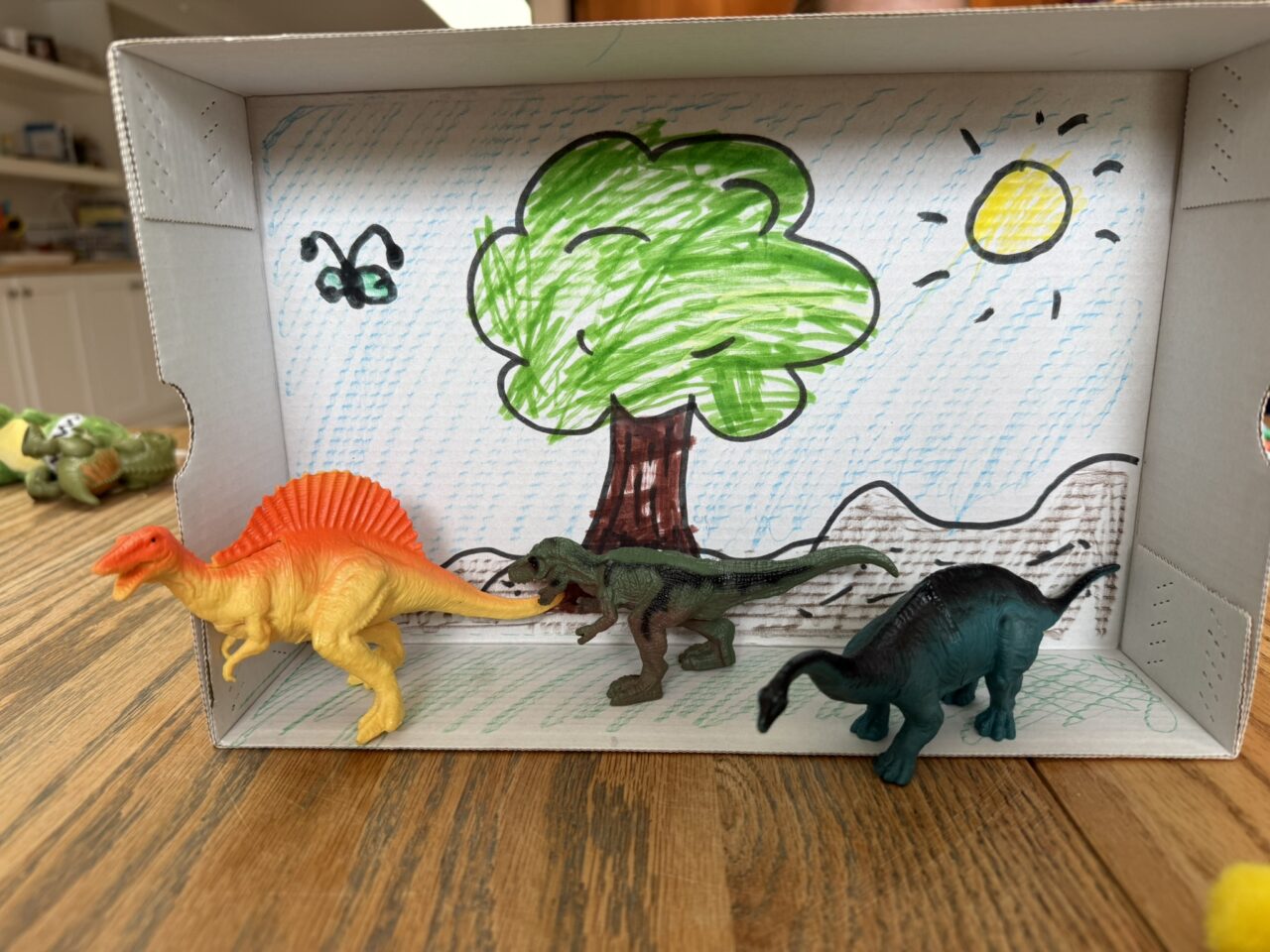
Bring your child’s imagination to life by creating a simple stop-motion animation right on your phone or tablet. This project is a fantastic way to combine technology, storytelling, and creativity—all with just a few everyday materials.
What You’ll Need:
- Smartphone or Tablet: iPhone or Android device
- Stop Motion Studio App: Free in the App Store and Google Play
- Toys or Paper Cutouts: Action figures, LEGO bricks, or drawings
- Flat Surface: A table or floor with good lighting
- Stand or Prop: Books or a simple tripod to keep your device steady
Instructions:
Step 1: Download the App
- iPhone:
- Open the App Store
- Search for Stop Motion Studio
- Tap GET to download
- Android:
- Open the Google Play Store
- Search for Stop Motion Studio
- Tap Install
 Tip: Look for the blue icon so you know you have the right app.
Step 2: Open the App & Start a New Movie
- Launch Stop Motion Studio on your device.
- Tap the + icon to create a new project.
Tip: This opens a blank canvas ready for your animation.
Step 3: Set Up Your Scene
- Arrange your toys or paper figures on a clean, flat surface.
- Make sure the area is well-lit so the camera captures clear images.
- Place your device on a stand or stack of books to keep it steady.
Tip: Take a photo of your setup so you can share how you did it!
Step 4: Capture Your First Frame
- In the app’s camera view, tap the red camera button to take your first picture.
Tip: This becomes the very first frame of your movie.
Step 5: Move the Object Slightly
- Gently nudge your figure or object forward just a bit.
- Take another picture.
- Repeat this process as many times as you like to create movement.
Tip: Small movements make smoother animations.
Step 6: Play Your Animation
- Tap the play button (triangle icon) to watch your animation come to life.
Tip: You’ll see your timeline of frames along the bottom.
Step 7: Edit Your Movie (Optional)
- Use the scissors tool to delete or duplicate frames.
- Add text titles or sound effects if you’d like.
Tip: Editing helps polish your final animation.
Step 8: Save or Share Your Creation
- Tap the export/share icon in the app.
- Choose Save to Camera Roll to keep a copy or Share to send it to friends and family.
Tip: This is a great way to show off your child’s hard work.
How to Create Screenshots:
- iPhone: Press the Side Button + Volume Up (or Home + Power on older devices).
- Android: Press the Power + Volume Down buttons together.
- Screenshots will save to your device’s photo library so you can upload them to your gallery or share them with others.
Quick Links to Download the App:
Conclusion:
Creating a stop-motion animation is an exciting, screen-time-positive way to blend storytelling and technology. Whether your child dreams up a dinosaur adventure or a fairy tale, this project will help them practice patience, planning, and creativity—all while having fun.